Keep the look.
Prepare the handoff.
Prepare model orientation, size and placement while keeping its appearance. Export an FBX directly from the add-on, then check it in Unity.
Explore model fixesA SMALL BLENDER ADD-ON
Prepare a model for export, or get compatible rigs moving together. Keep the look, work on a copy, and export an FBX from Blender.
Free trial: model orientation only. Animation matching is in Full.
v1.0.0 · Requires Blender 5.2 or newer · Tested on macOS
Watch the orange model follow the reference.
Full edition · Generated compatible sample · Same frame
FAMILIAR PROBLEMS. SMALL FIXES.
You found the model. You found the animation. Get past the little mismatches that stop you using them.
Prepare model orientation, size and placement while keeping its appearance. Export an FBX directly from the add-on, then check it in Unity.
Explore model fixesThe character stands normally, but its arms or legs turn the wrong way with another animation. Match a compatible rig, then try the motion.
Explore motion matchingA QUICK HANDS-ON LOOK
The model stands normally. Its limbs turn the wrong way.
Included in Trial
Your Blender model stays as it is.
Interactive illustration, not a live Blender or Unity connection. The right pane illustrates what the imported model can look like in Unity; actual results depend on your export and import settings. It does not automatically repair every import. Full features are labeled.
INSIDE BLENDER
Three views of the same panel: static models, rig matching, and the free trial.
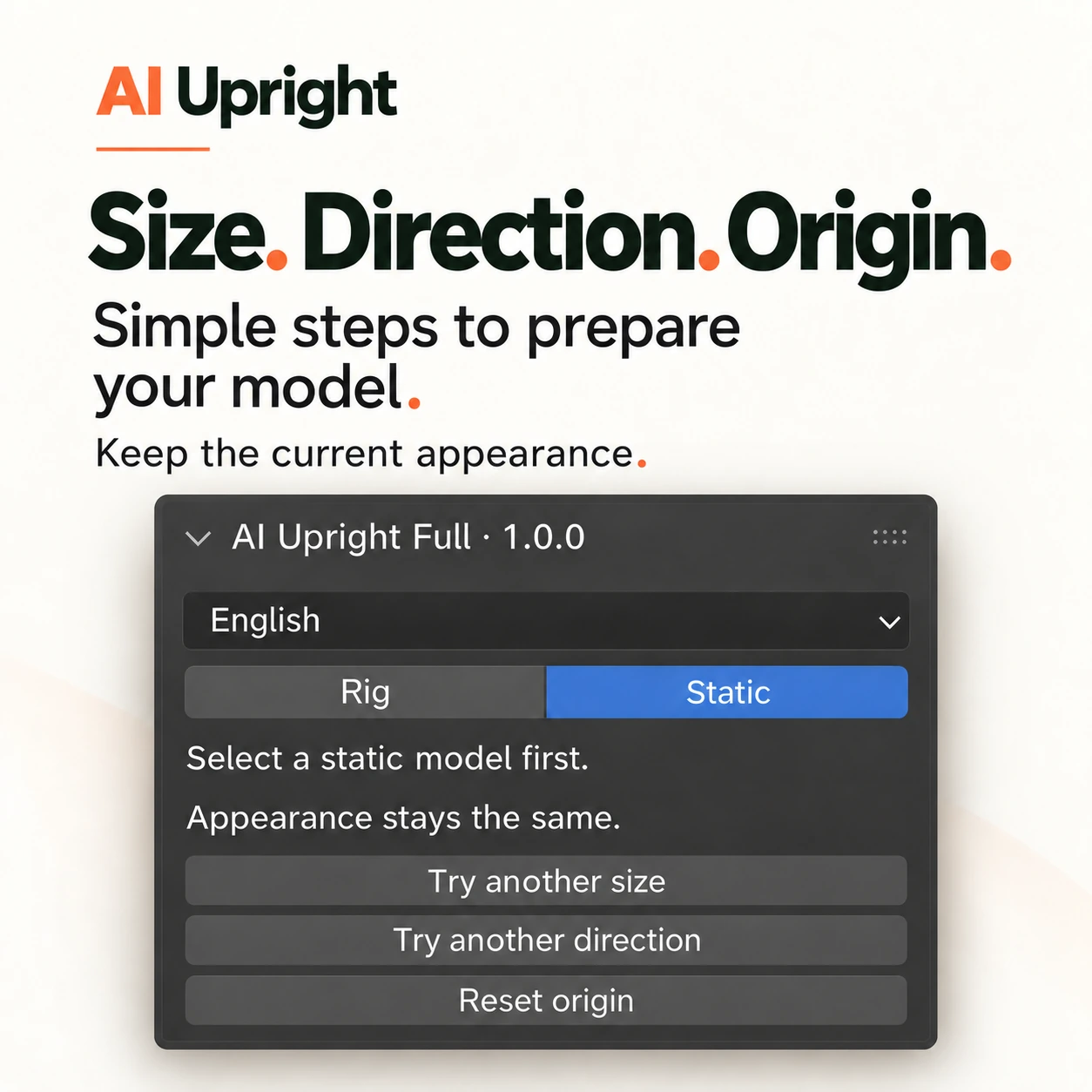
STATIC MODELS
Three buttons, each applied to a copy — the original keeps its shape and materials.
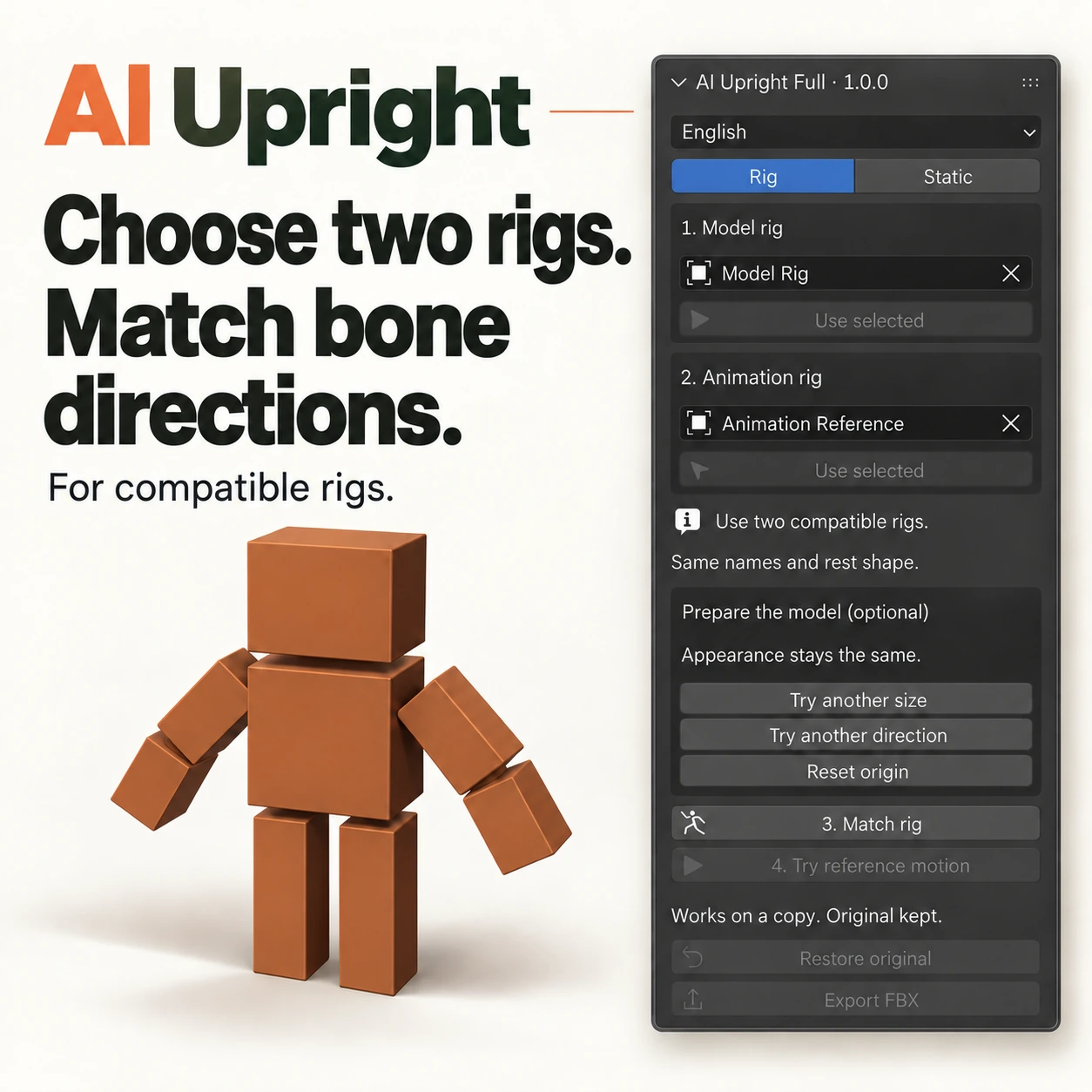
RIGGED MODELS
Point at the model rig and at a reference rig that already animates; matching fixes the bone axes so the same motion lands the same way.
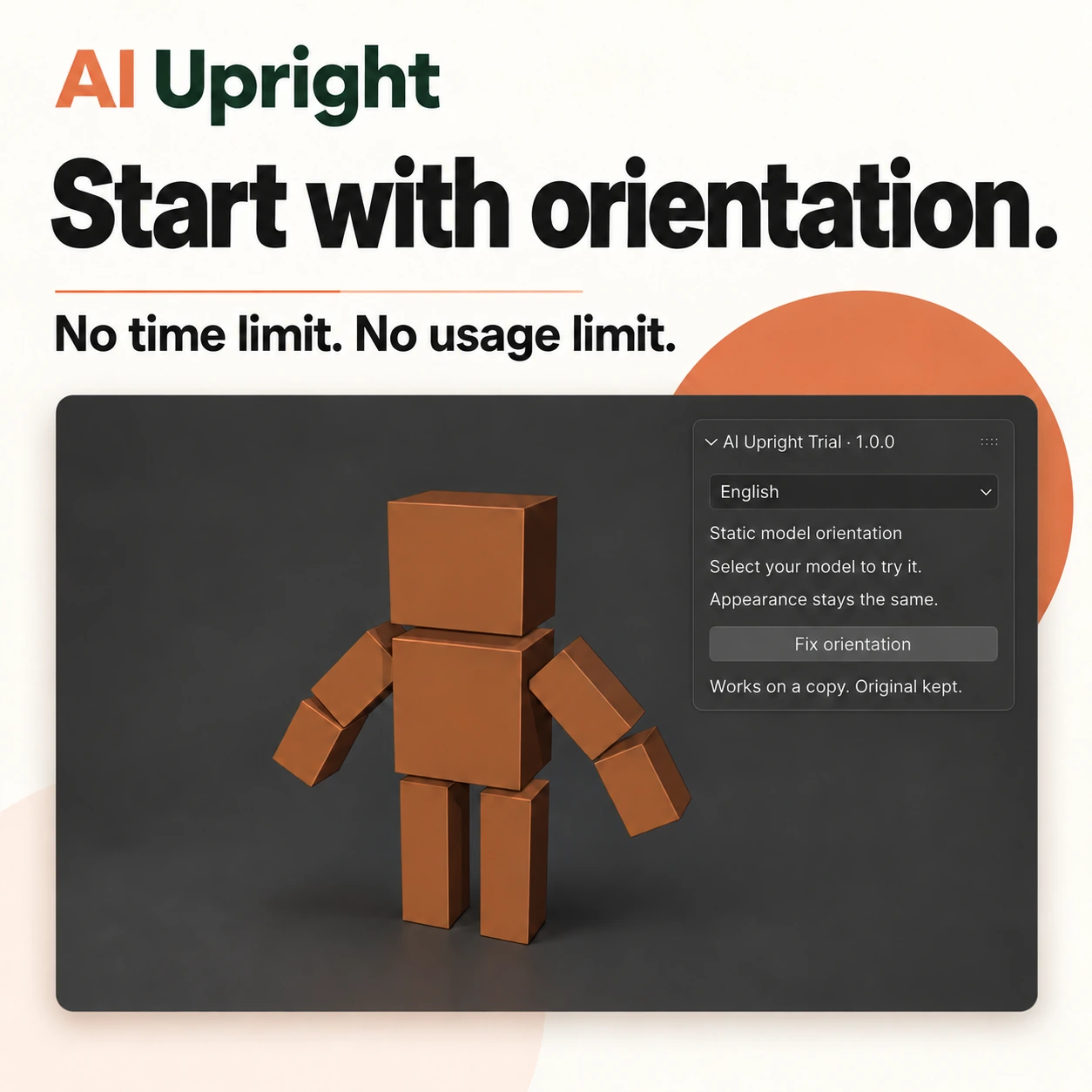
FREE TRIAL
No time limit and no usage limit on the trial. Rig matching and reference motion are part of Full.
ONE SIMPLE START
The trial works on your own static models. Keep the result, export it normally and use it as often as you like.
| What you can do | TrialFree download | Full$9 · one-time |
|---|---|---|
| Fix model orientation | Included | Included |
| Fix model size & position | — | Included |
| Prepare overall rig direction, size & placement | — | Included |
| Match rigs & use reference motion | — | Included |
| Use your own assets & export FBX | Included | Included |
| Work on a copy & restore originals | Included | Included |
No expiry. No usage limit. No watermark.
Full is provided separately from the free trial.
YOUR FIRST FIX WITH THE TRIAL
Work right inside Blender. Start with a copy of your project and check the result as you go.
In Blender, open Preferences → Add-ons → Install from Disk. Choose the Trial ZIP and enable AIUprightTrial.
Select a simple static model. Open AIUprightTrial in the 3D View sidebar. The trial has one correction button: Fix orientation.
Create the prepared copy, then click Export FBX in the add-on and check the file in Unity. Use Restore original to go back.
Already using an older version? Disable it first, or update to Full 1.0.0. The new Trial and Full editions can run together.
READY TO TRY IT?
Try model orientation correction on your own static mesh. Size, position and animation matching are in Full.
Download Trial for BlenderAIUpright Full — $9 one-time. Static size and position, whole-rig preparation, rig matching and reference motion.
Buy FullSecure checkout by Creem. While the store review is pending, Creem may show “not accepting payments” — email us and we will send an invoice the same day.
Use a static mesh. Imported Empty parents and custom normals are supported. Prepare orientation, export an FBX, and check the result in Unity.
Full matches rigs with matching bone names, hierarchy and compatible resting shapes. It also handles overall direction and uniform size differences.
Tested on macOS with Blender 5.2 and Unity 2022.3. Downloaded samples were checked in Blender; Unity checks use generated FBX samples.
The add-on creates a separate result and hides the originals while you check it. Select the result and use Restore original to remove it and bring the originals back.
No. The free trial includes static model orientation correction. Rig matching and reference motion belong to Full; you can preview them in the website demo.